Uncategorised, InDesign
Adobe InDesign for Bid Proposals: Why It’s Essential
Elevate Your Bids with Adobe InDesign: Why It's Essential for Tender Teams
Transform Your Bids with Adobe InDesign
In the competitive world of bids and tenders, standing out is more than just having the best content—it's about presenting it in a way that captivates and convinces. Adobe InDesign has emerged as an indispensable tool for tender teams, offering powerful features that elevate the quality, clarity, and persuasiveness of proposals. This article delves into why InDesign is not just a design software, but a strategic asset for bid managers, proposal writers, and business development teams.
Whether you're crafting a complex government tender or a corporate bid, InDesign's capabilities go beyond basic word processing. It allows for professional layout design, ensures brand consistency, enhances visual storytelling, and streamlines collaboration. By the end of this piece, you'll understand how investing in InDesign and proper training can significantly boost your win rates while improving operational efficiency.
Professional Layout Design for Differentiated Submissions
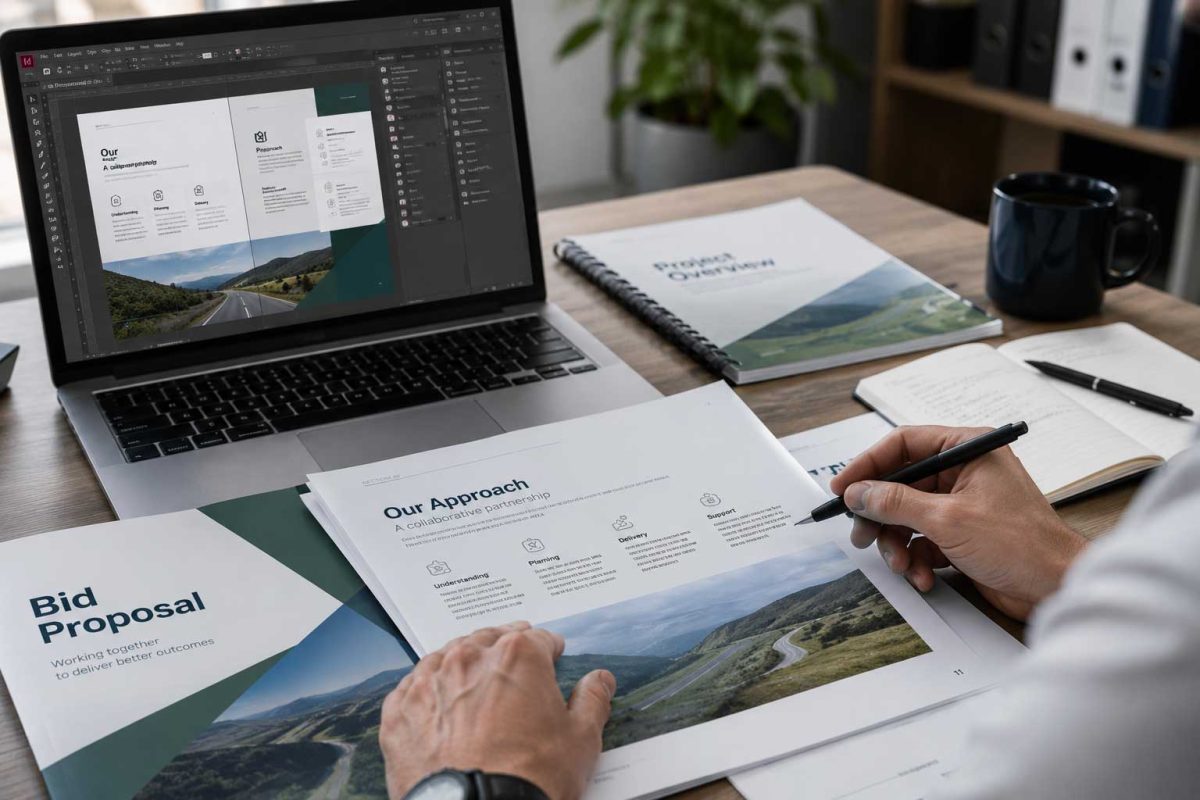
One of the primary reasons Adobe InDesign is essential for tender teams is its advanced layout tools that transform ordinary documents into polished, professional submissions. Unlike standard word processors, InDesign offers precise control over every element of your design, ensuring your bids are not only readable but also visually compelling.
InDesign's layout features, such as grids, guides, and parent pages, allow you to create structured documents that maintain consistency across pages. For instance, parent pages act as templates for recurring elements like headers, footers, and page numbers, saving time and reducing errors. This means your team can focus on content rather than formatting, giving you an edge over competitors who submit cluttered, generic proposals.
Consider a scenario where a bid proposal needs to include complex charts, images, and text. Without InDesign, these elements might appear haphazardly placed, leading to a disjointed reading experience. However, with InDesign, you can use its layout tools to align content perfectly, creating a flow that guides the reader through your narrative. This differentiation is crucial in high-stakes tenders, where first impressions can make or break your chances.
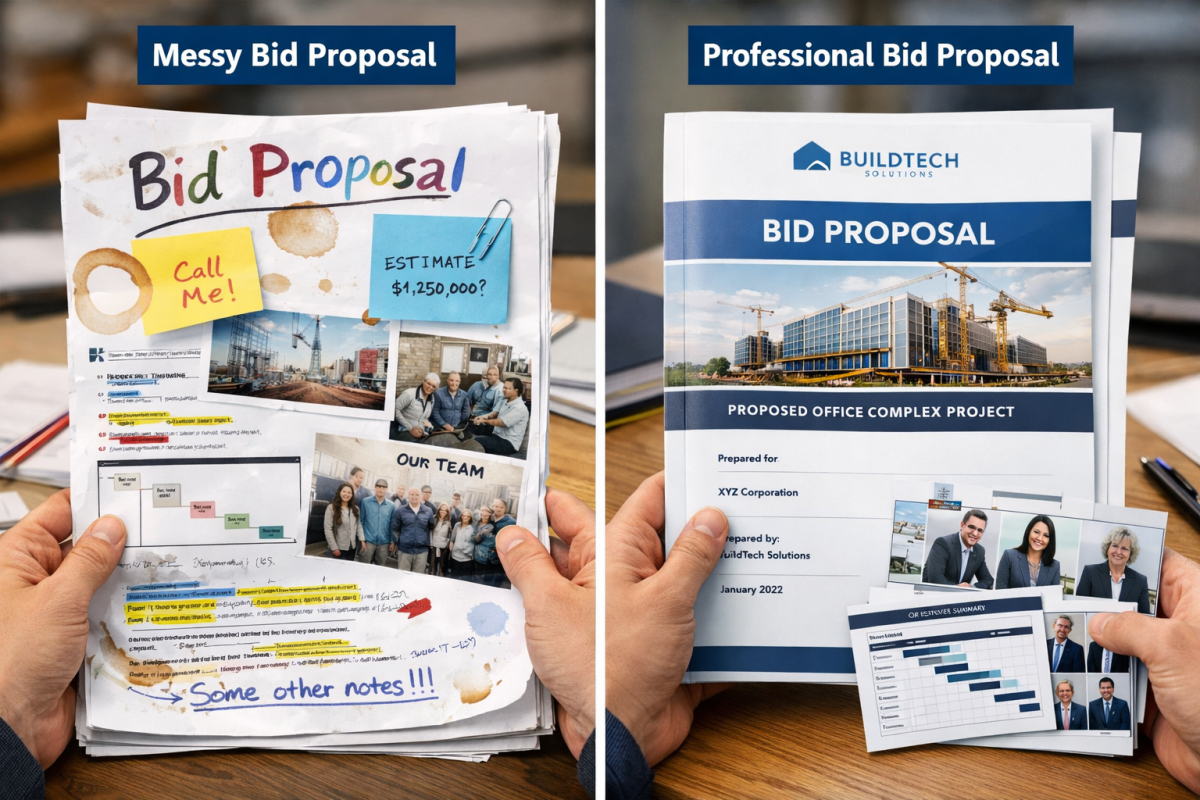
Moreover, InDesign's templates ensure that every submission adheres to your organization's branding guidelines. By setting up reusable templates, teams can produce bids that look cohesive and professional, reinforcing your brand's identity and building trust with evaluators.
Enhancing Brand Consistency and Visual Storytelling
Leveraging Styles and Typography for Cohesion
Brand consistency is a cornerstone of successful bids, and Adobe InDesign excels in this area. With its robust style management, you can define and apply typography, colors, and formatting across your entire document effortlessly. This ensures that every heading, paragraph, and element aligns with your brand's visual language, making your proposals more memorable and credible.
For example, InDesign allows you to create character and paragraph styles that enforce consistent font choices, sizes, and spacing. This is particularly useful in large teams where multiple contributors are involved, as it prevents inconsistencies that could undermine your proposal's professionalism. Imagine submitting a bid where headings vary in size or colors don't match your logo—such oversights can signal a lack of attention to detail.
Integration with Other Adobe Tools
InDesign doesn't operate in isolation; it integrates seamlessly with other Adobe Creative Cloud tools like Photoshop and Illustrator. This enables tender teams to incorporate advanced visual elements, such as high-resolution images, infographics, and animations, directly into their proposals. By doing so, you enhance visual storytelling, turning static documents into engaging narratives that resonate with decision-makers.
Take visual storytelling a step further by using InDesign to embed interactive elements, like hyperlinks or buttons, which can guide readers through your proposal interactively. This not only improves clarity but also makes your bid more persuasive, as evaluators can explore key points at their own pace.
Strategic Benefits: Standing Out and Improving Win Rates
In the fiercely competitive landscape of bids and tenders, differentiation is key to success. Adobe InDesign helps teams stand out by enabling the creation of persuasive visuals that highlight your unique value proposition. Through professional design, your proposals can effectively communicate complex information, making it easier for evaluators to grasp and appreciate your offerings.
Strategically, InDesign contributes to higher win rates by reducing errors and ensuring consistent outputs. For instance, automated features like spell-check and layout previews catch mistakes early, allowing for polished submissions that exude confidence. Operationally, it speeds up the creation process; what might take hours in other tools can be accomplished in minutes with InDesign's efficient workflows.
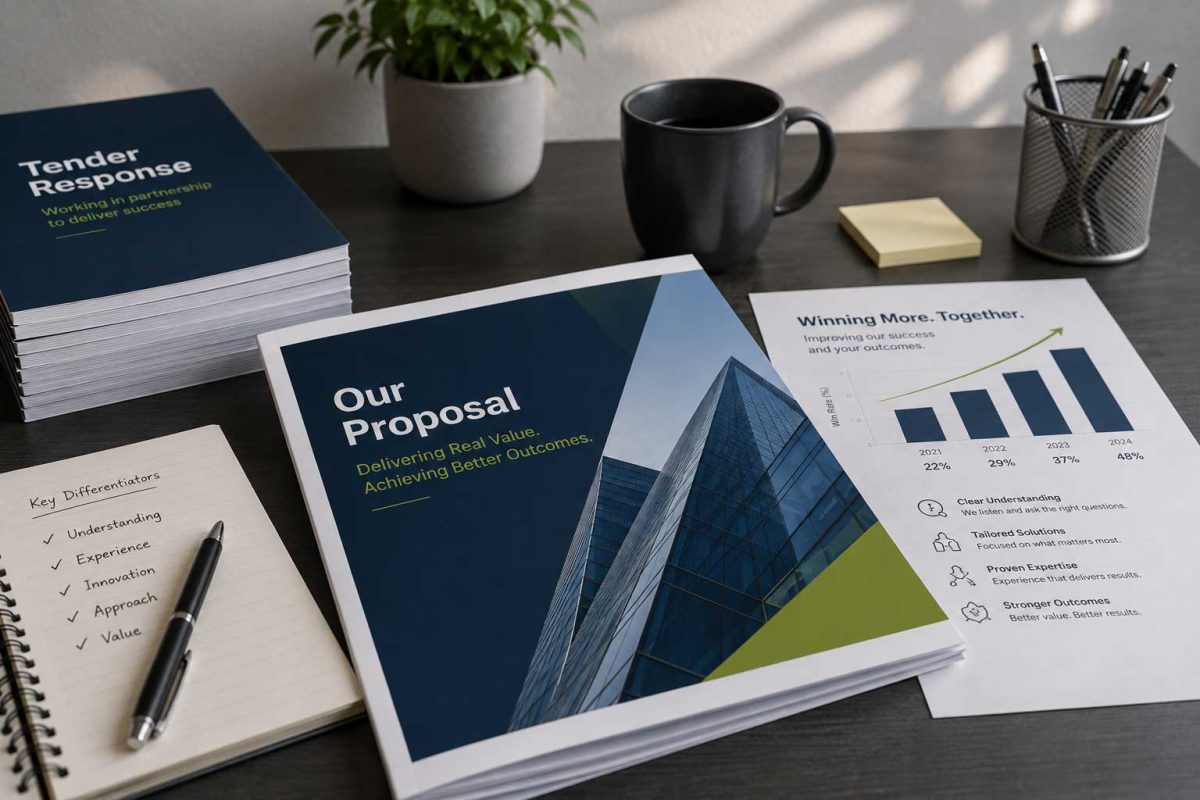
Real-world examples abound: Companies using InDesign report not only faster turnaround times but also a marked improvement in how their bids are perceived. By presenting data through visually appealing charts and infographics, teams can emphasize strengths and mitigate weaknesses, ultimately swaying decisions in their favor.
Efficient Collaboration and Practical Feature Examples
Streamlining Teamwork with Collaboration Tools
Collaboration is often the Achilles' heel of tender teams, but Adobe InDesign addresses this with features designed for seamless teamwork. Cloud-based sharing and real-time editing allow multiple users to work on a document simultaneously, reducing bottlenecks and fostering a more dynamic workflow.
Practical examples include using parent pages for reusable layouts, which ensures that all team members start from the same foundation. This feature is invaluable for maintaining consistency in large proposals. Additionally, InDesign's integration with tools like Adobe Acrobat allows for easy review and feedback cycles, where comments can be added directly to the layout.
- Parent pages: Create once and apply across documents for uniform design.
- Shared libraries: Access common assets like logos and colors across the team.
- Export options: Generate PDFs or interactive files that preserve the original design intent.
These tools not only enhance efficiency but also minimize errors, such as misplaced elements or formatting issues, which are common in collaborative environments.
The Strong Case for Investing in InDesign and Training
While the benefits of Adobe InDesign are clear, realizing its full potential requires investment in both the software and comprehensive training. For bid teams, this means equipping staff with the skills to leverage advanced features effectively, ensuring maximum impact on bid success.
Quote from one of our InDesign courses:
"Andy was amazing, very clear course and useful tips." – Bid Manager, Mace Interiors
Key Takeaway
Investing in InDesign training balances strategic gains, like higher win rates, with operational efficiency, leading to faster, error-free proposals that stand out among competitive tenders.
Training programs can cover everything from basic layout techniques to advanced integrations, empowering teams to innovate and adapt. The return on investment is evident: Organizations that prioritize this see improved productivity and a stronger market position. Ultimately, the strategic advantages—such as enhanced persuasion and differentiation—outweigh the initial costs, making InDesign a smart choice for forward-thinking tender teams.
Ready to Boost Your Bid Success?
In conclusion, Adobe InDesign is more than a design tool; it's a game-changer for tender teams aiming to elevate their proposals. By focusing on professional layouts, brand consistency, visual storytelling, and efficient collaboration, you can differentiate your submissions and improve win rates. The operational benefits, including speed and reduced errors, further solidify its value.
To wrap up, investing in InDesign and dedicated training ensures your team harnesses these advantages fully. Start today by getting in touch to see how we can help your team get up to speed on InDesign. Your next bid could be the one that wins big—make it count with InDesign and professional InDesign training from Highlander.