Live online
Join a scheduled class, work through exercises and ask the instructor questions as you go.
Explore live courses →
INDEPENDENT CREATIVE SOFTWARE SPECIALISTS – EST. 1995
Learn live online with an expert, book private training for your team, or study at your own pace.
Choose an app
Find training for the design, publishing and video work you do.
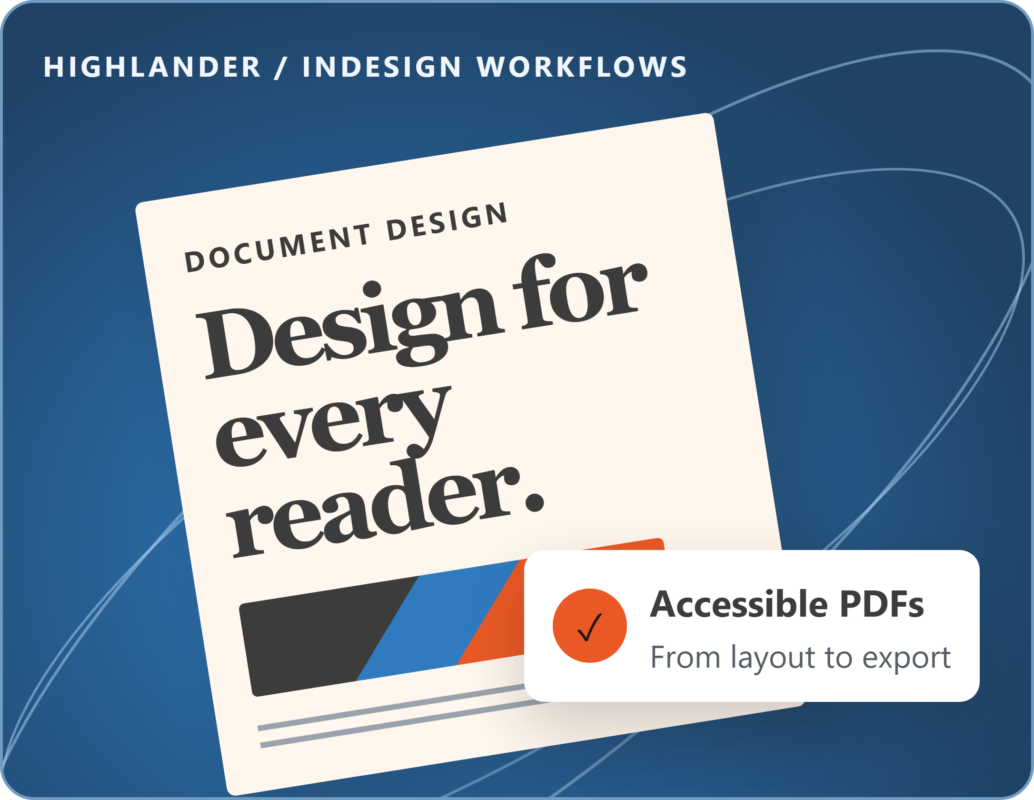
Design reports, publications and accessible PDFs.
Edit, retouch and prepare images for print and web.
Create scalable illustrations, icons and brand graphics.
Edit interviews, campaign videos and social content.
Create motion graphics, animated titles and visual effects.

Founder & lead trainer, Highlander
Andy is a qualified teacher with over 25 years’ experience teaching Adobe software, including over a decade as an Adobe Certified Instructor. He delivers hands-on training for individuals and for communications, marketing and design teams in businesses and public sector organisations.
Andy the author of Designing the Adobe InDesign Way (Packt Publishing) and developed the Highlander Accessibility Checker for InDesign, a plugin available on Adobe Exchange for preflighting accessibility issues in InDesign documents.
The whole course was ideal for the team and everyone got a lot out of it and found ways of making our accessibility process a lot quicker.
Andy was patient and even took the time to help us fix a document we were struggling with.
Andy always delivers the courses really well, he's happy to answer questions and is incredibly knowledgable about all aspects of the programmes.
Document accessibility
Build accessibility into your InDesign documents, from the first layout to the final PDF.
Practice setting reading order, tagging content and adding alt text. Then check your exported PDF in Acrobat.
Explore accessible PDF trainingUse Highlander’s checker to find common issues in your InDesign file, such as missing alt text and table headers.
See the Accessibility Checker