
EMAIL EXPORTER FOR INDESIGN
Create HTML email templates directly from Adobe InDesign without writing code.
Highlander Email Exporter is a specialist plugin for Adobe InDesign that helps you create professional, email-client compatible HTML emails directly from InDesign. It provides a structured workflow that applies email-friendly formatting and exports clean email compliant HTML & inline CSS code, helping bridge the gap between design and email production.
Designed for designers, marketing teams, and communications professionals, the plugin simplifies the process of creating responsive email campaigns without requiring HTML, CSS, or coding knowledge. By guiding users towards email-safe layouts and formatting, it helps reduce compatibility issues and improves consistency across major email clients.
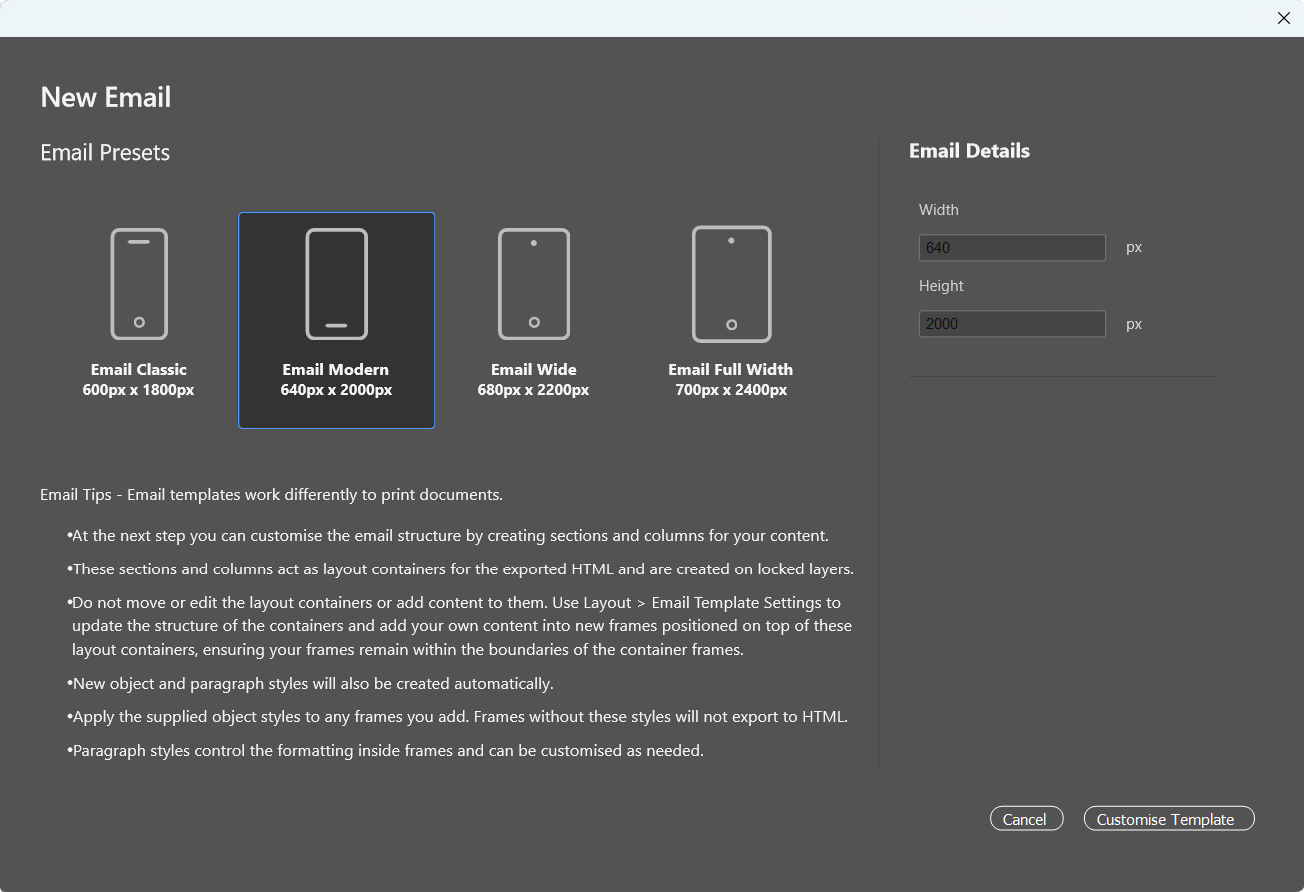
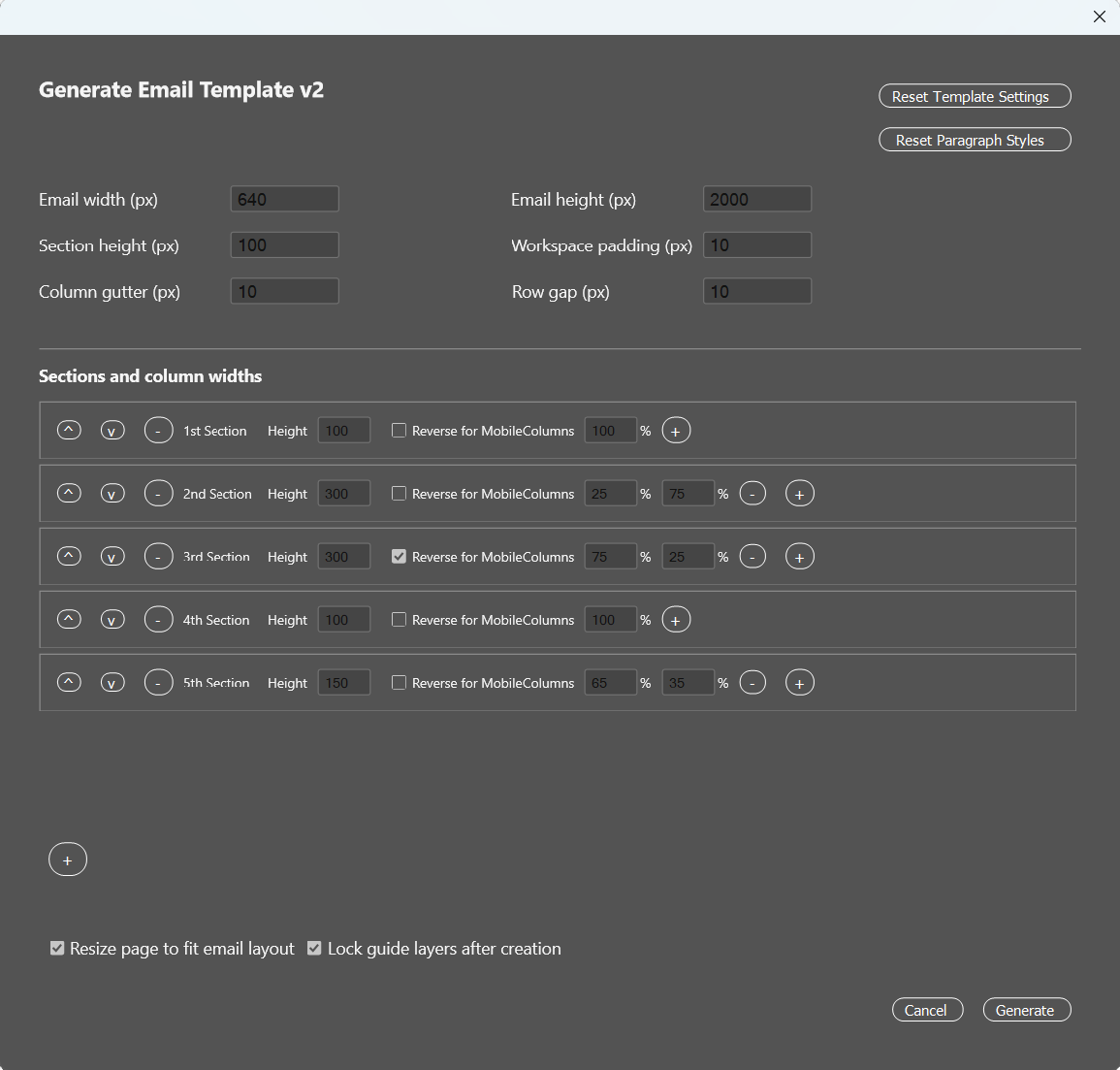
Everything runs directly inside InDesign, allowing you to work in a familiar environment while generating assets and code suitable for platforms such as Mailchimp, Campaign Monitor, HubSpot, and many other email marketing systems.
The Highlander Email Exporter focuses on practical, real-world email production, helping teams create email campaigns more quickly while avoiding many of the common challenges associated with hand-coding responsive emails.
Provided by Highlander, specialists in Adobe CC training and consultancy, the plugin combines professional publishing expertise with a streamlined workflow designed specifically for email creation.
To install the plugin, click the download link below and double-click the downloaded plugin file. After restarting InDesign, the Highlander Email Exporter panel will be available and ready to use. Just follow the instructions within the plugin to obtain a licence key and activate the plugin.
Getting the Highlander Email Exporter
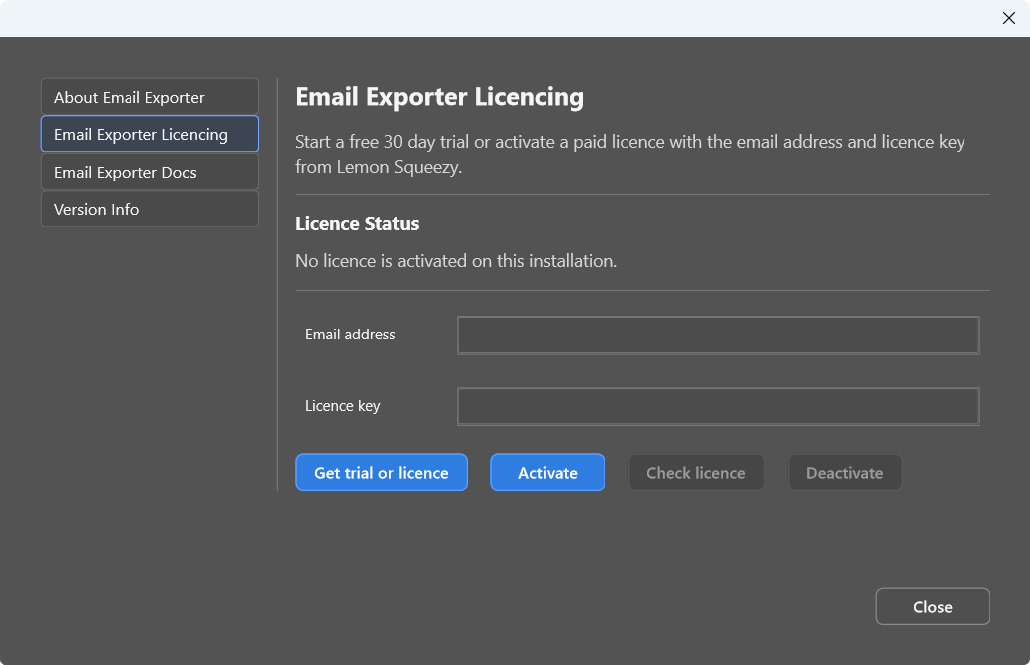
The Highlander Email Exporter plugin for InDesign is available for just £75 a year, and comes with a 30 day free trial. If you would like to use it simply download the plugin using the button below, double click the ccx file to install the plugin, and then from the InDesign Help menu go to About Highlander Email Exporter to obtain a licence or activate your free trial through our licensing partner Lemon Squeezy.
Get Highlander Email ExporterTELL OTHERS
If you find our InDesign tools useful, please let others know and feel free to link to this page. Additionally if you have any feature requests for future updates we are always interested in hearing about them, just let us know through our contact page
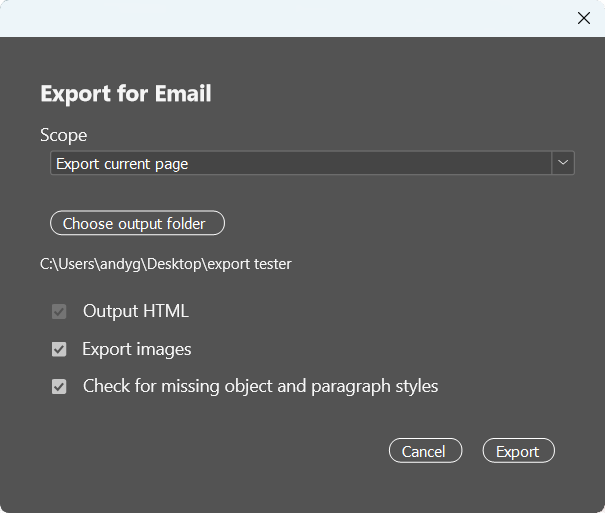
Using the Email Exporter
Designing emails is a rather different skill to designing something like a print magazine, there are far more restrictions on everything from fonts to positioning, and even features that are commonly found on webpages won’t work consistently in an email.
Our Email Exporter has been designed to simplify this process allowing you to export your InDesign layout to email-compliant HTML / CSS that will work across all major email clients. To achieve this, however, you will also need to adapt how you work in InDesign and we recommend having a look at the Email Exporter Docs which are found in the InDesign Help menu under About Highlander Email Exporter before creating your first html email in InDesign.